
HiveCache User Guide
How It Works
Vocabulary
- Bookmark
- Saved web pages with title, URL, main image, archive snapshot, tags, and visibility settings.
- Tag
- Organize bookmarks with custom tags. Pin important ones, add emoji, use different layouts (default, embedded, image) to your preference.
- Following
- Follow users to see their public bookmarks in your timeline. Following works across different HiveCache instances.
- Re-capturing
- Save bookmarks from your timeline to your own collection.
- This copies the main image and archive files, creating your own version independent from the original.
The Bookmarking Flow
- Capture: Use the browser extension to capture a page
- Archive: Page content is automatically archived/cached as a
gzfile - Organize: Add tags and set visibility (public/private)
- Share: Public bookmarks are shared with followers via ActivityPub
- Discover: Browse your timeline to see bookmarks from people you follow or tags you’re interested in
Screenshots
Home Page
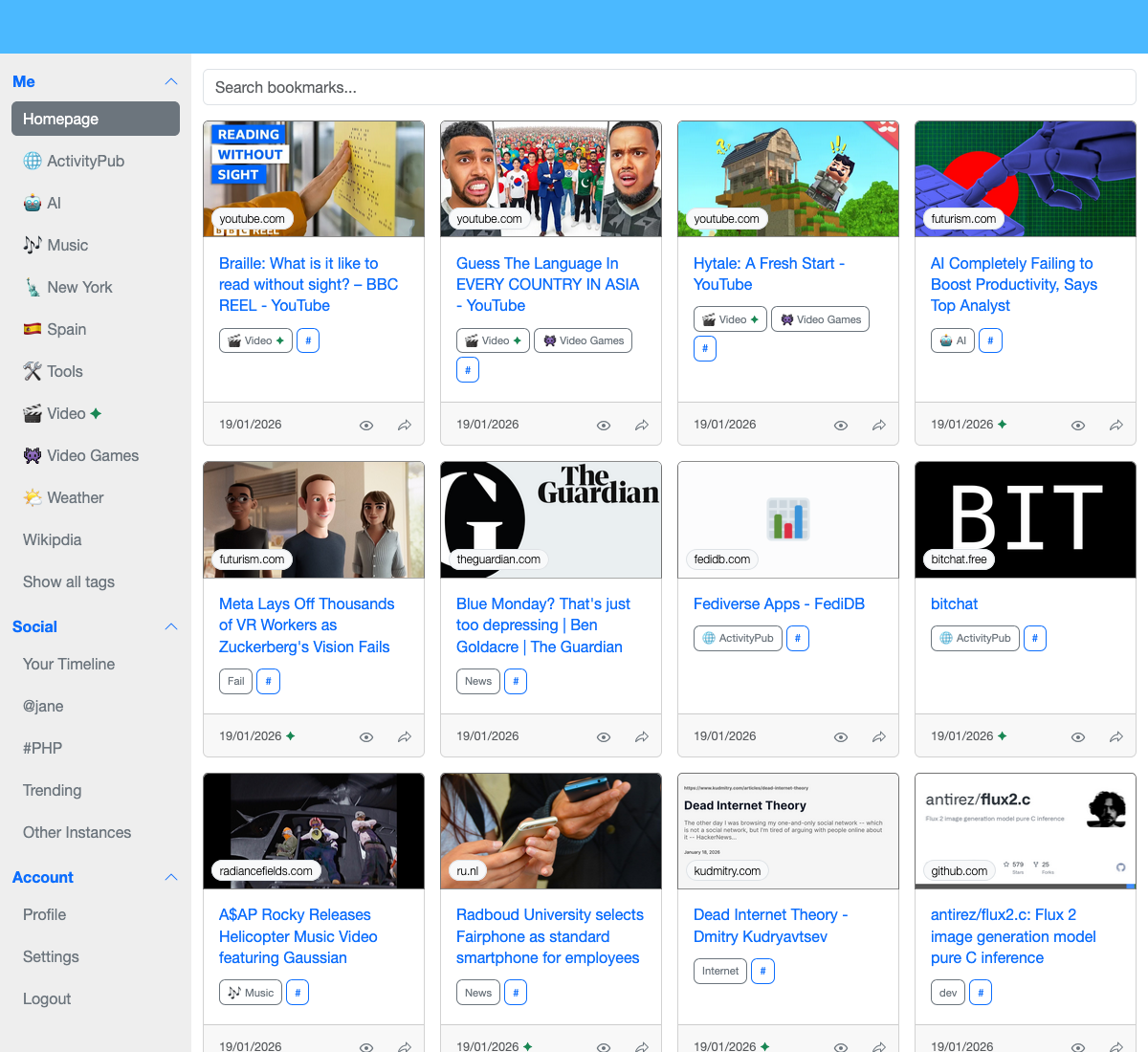
Homepage showing your own bookmarks and tags.
Search
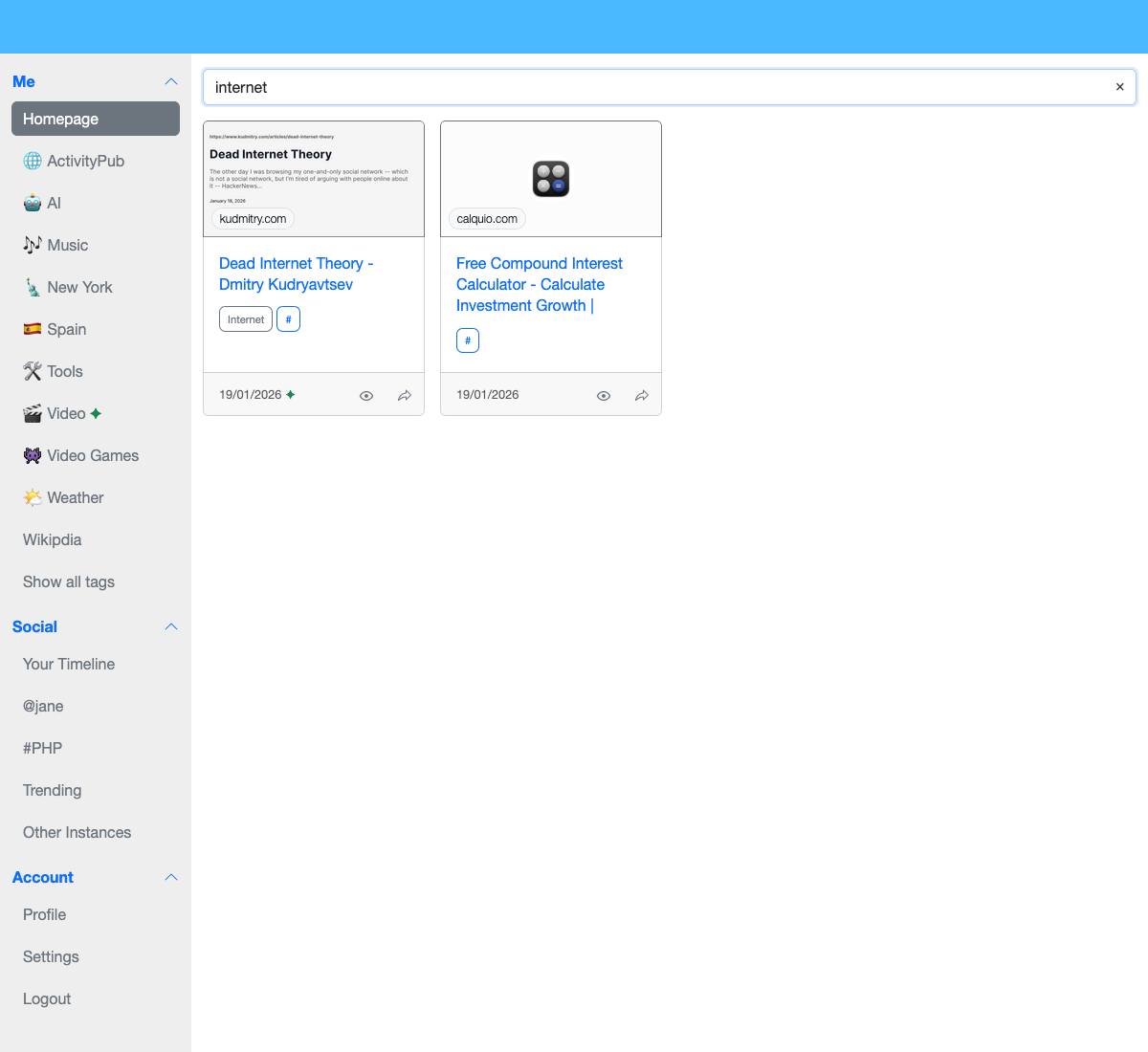
Find your bookmarks, either by tags, or with fuzzy search across title, URL, or domain.
Layouts
HiveCache supports different tag layouts for organizing your bookmarks:
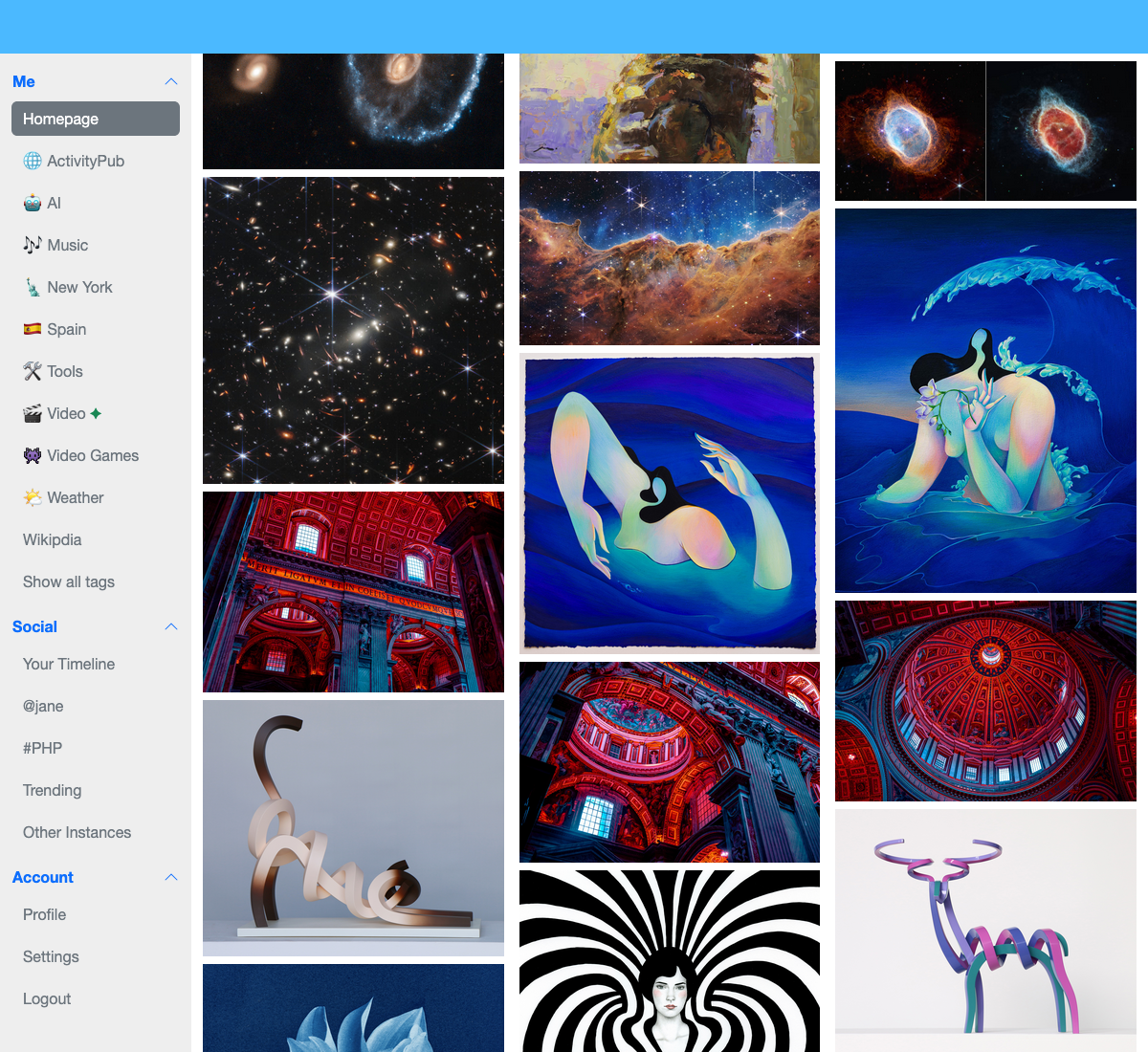
Image-focused layout for visual browsing a bit like Pinterest.

Video layout optimized for media content with embed ready to play.
History
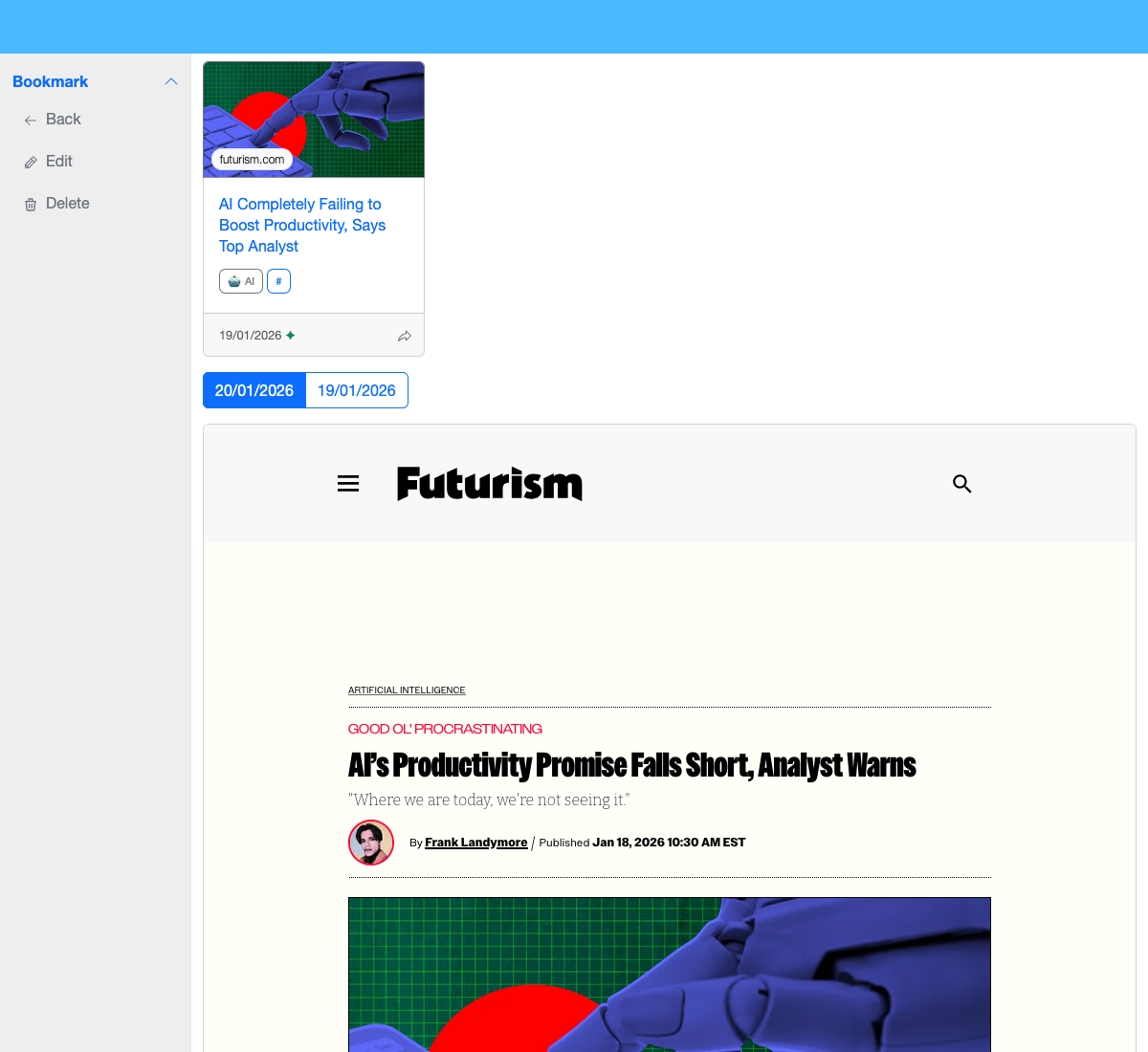
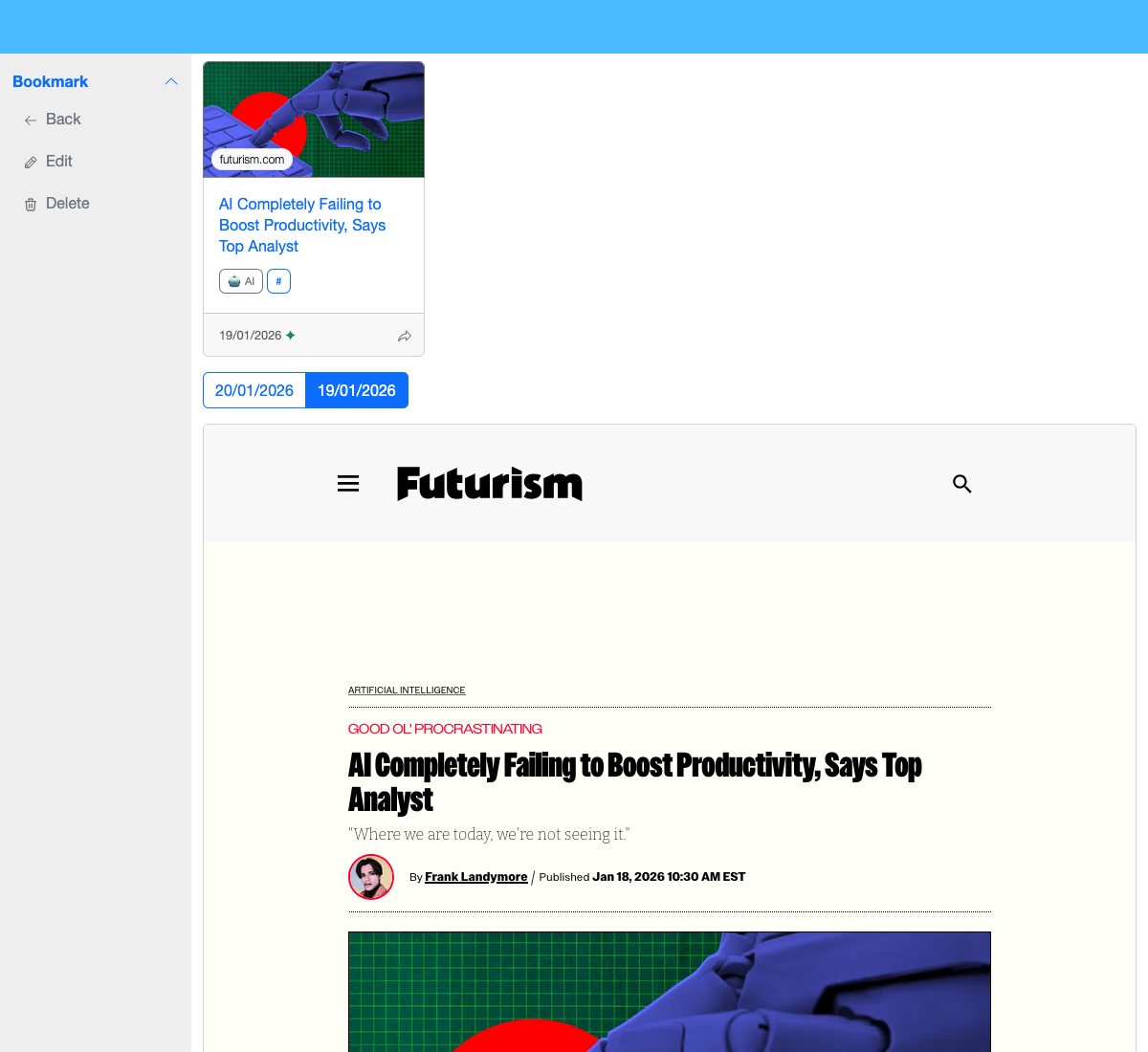
View bookmark history and versions.
Note
The archive attached to each bookmark is a real capture, not a frame to the current website.
Mobile
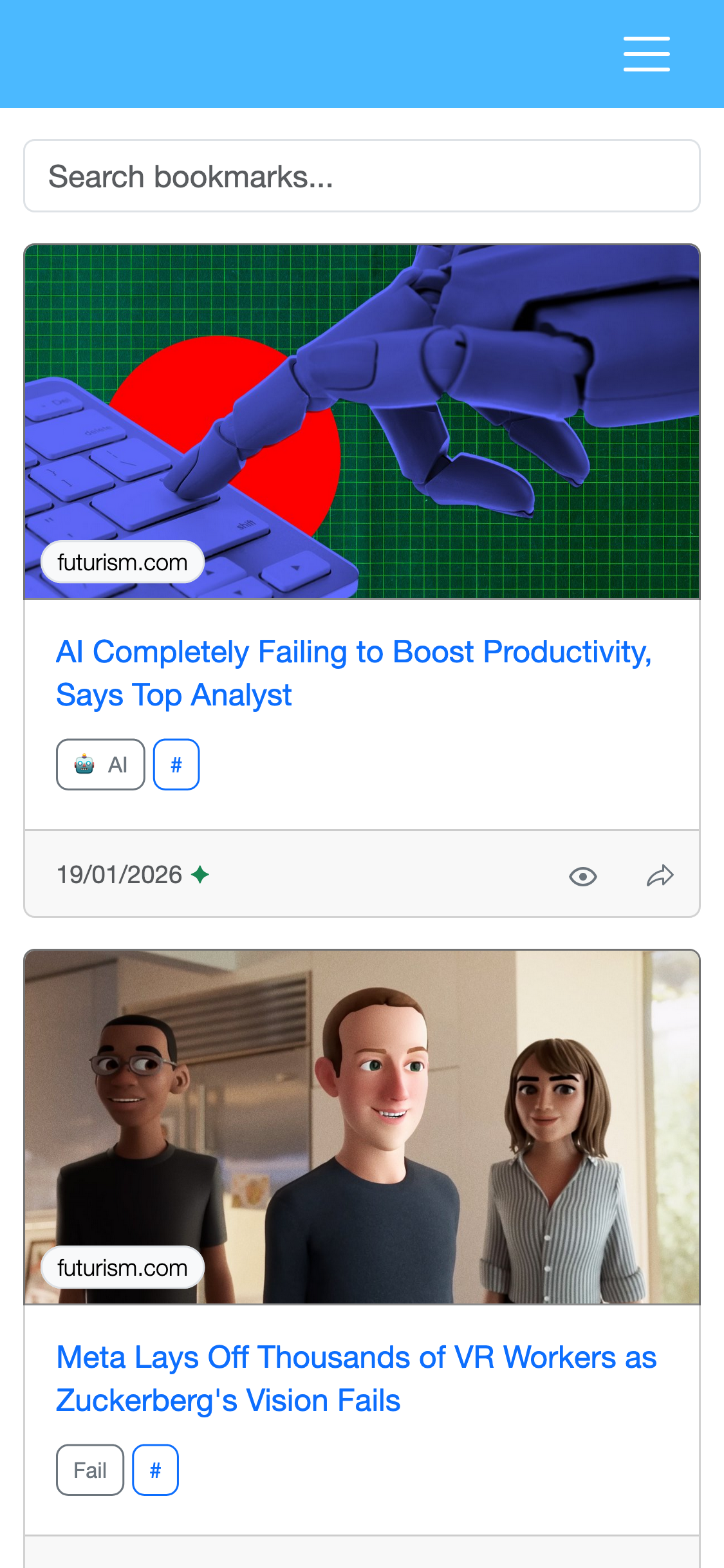
HiveCache is responsive and works on mobile devices, it has its own icon ready for your homescreen.